
How-to
How can I download a video via my account?
September 14, 20231 min read
Log in via https://www.egpphotographie.com by clicking on "Login" in the top right-hand corner or directly via the https://portail.egpphotographie.com/login
When you log in for the first time, click on "Forgot your password?" and follow the instructions, otherwise go on to the next step.
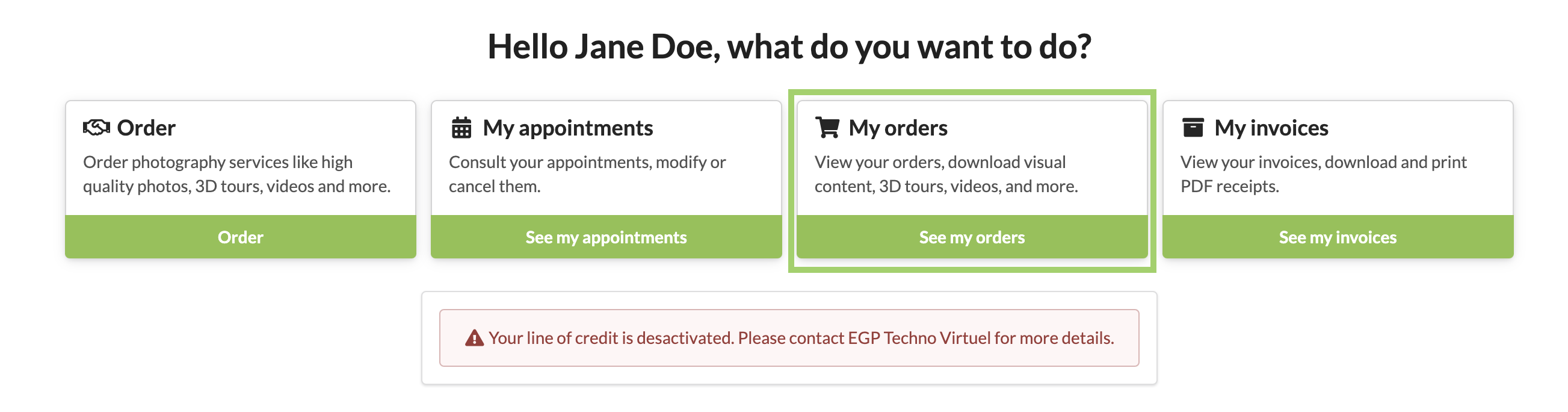
Once logged in, access your orders:
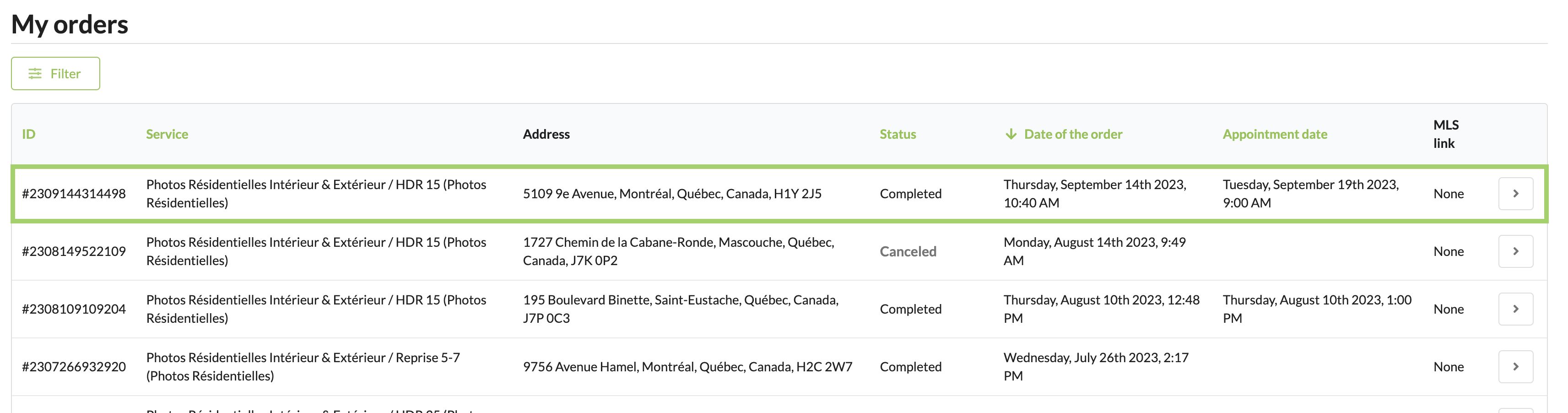
Choose the order for which you want to download the video(s):
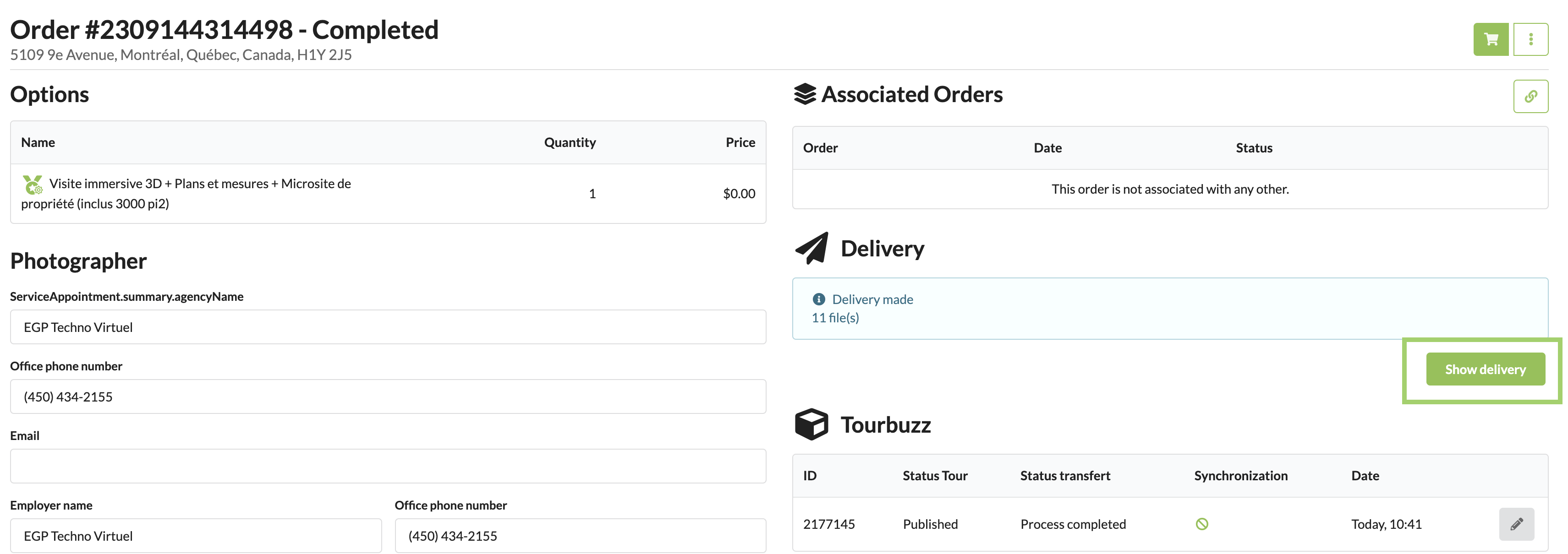
Click on "Show delivery":
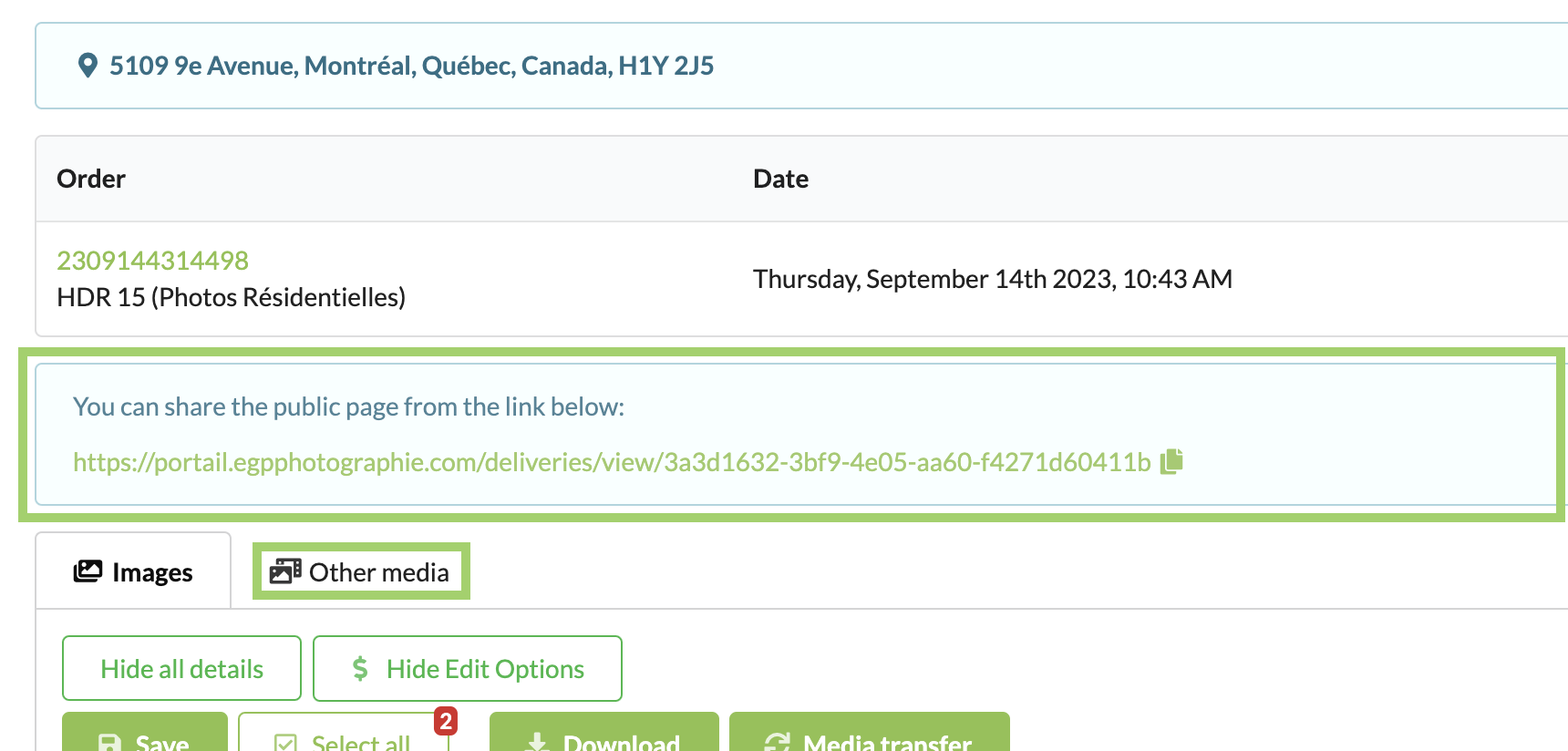
Click on the link to the public page or on the others media tab:
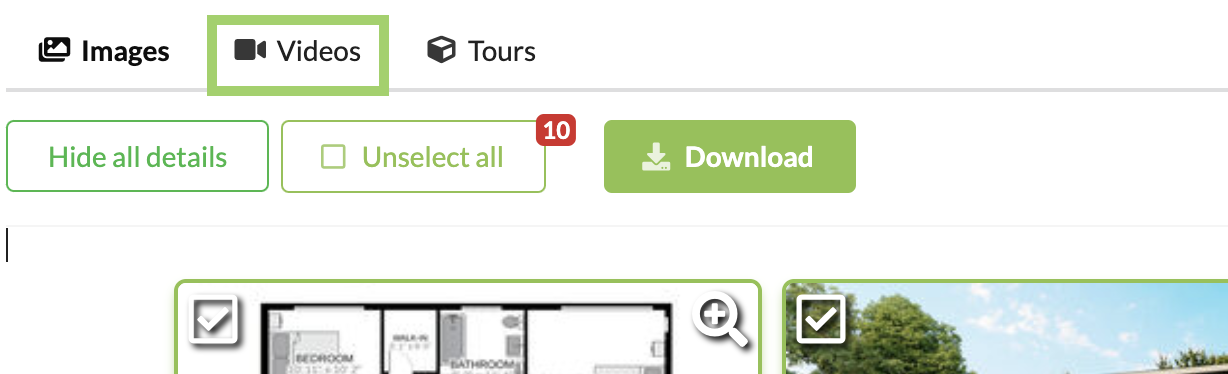
Click on the "Videos" tab:
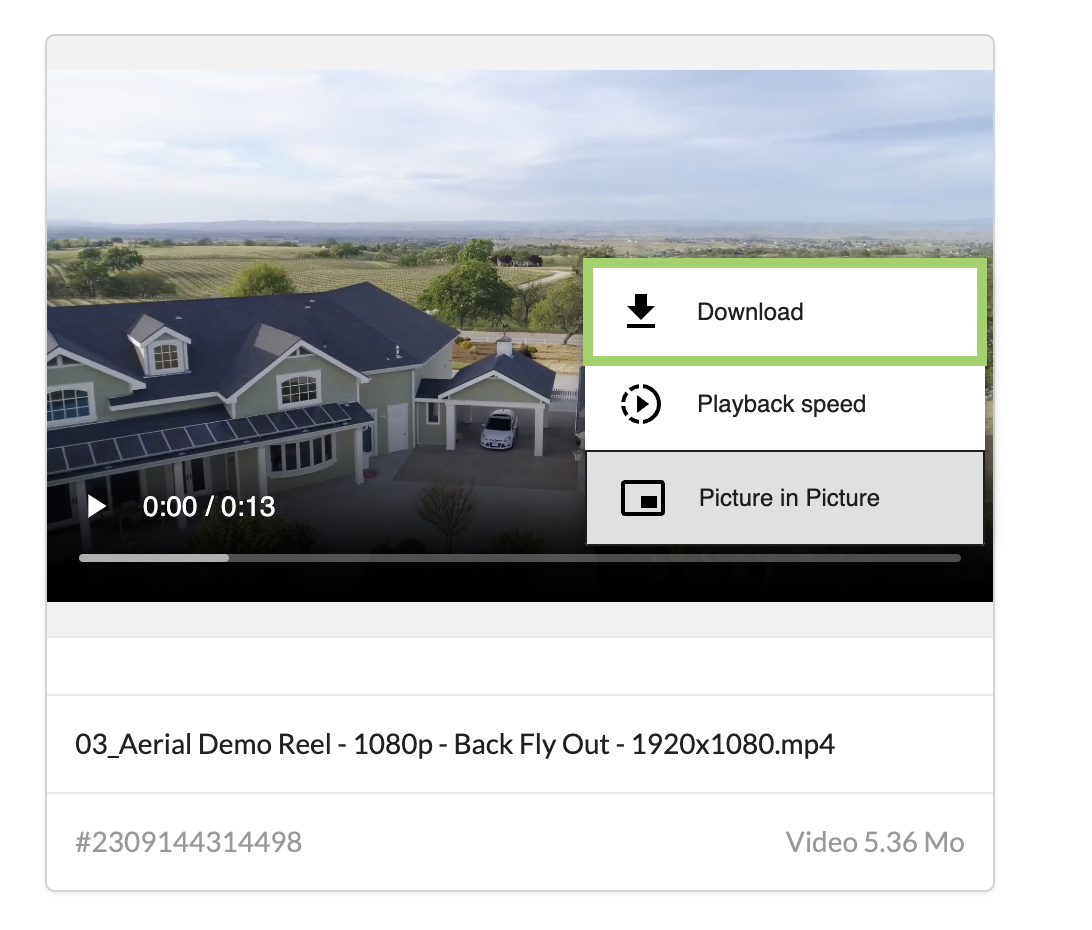
Click on the three (3) dots at the bottom right of the video and choose "Download":