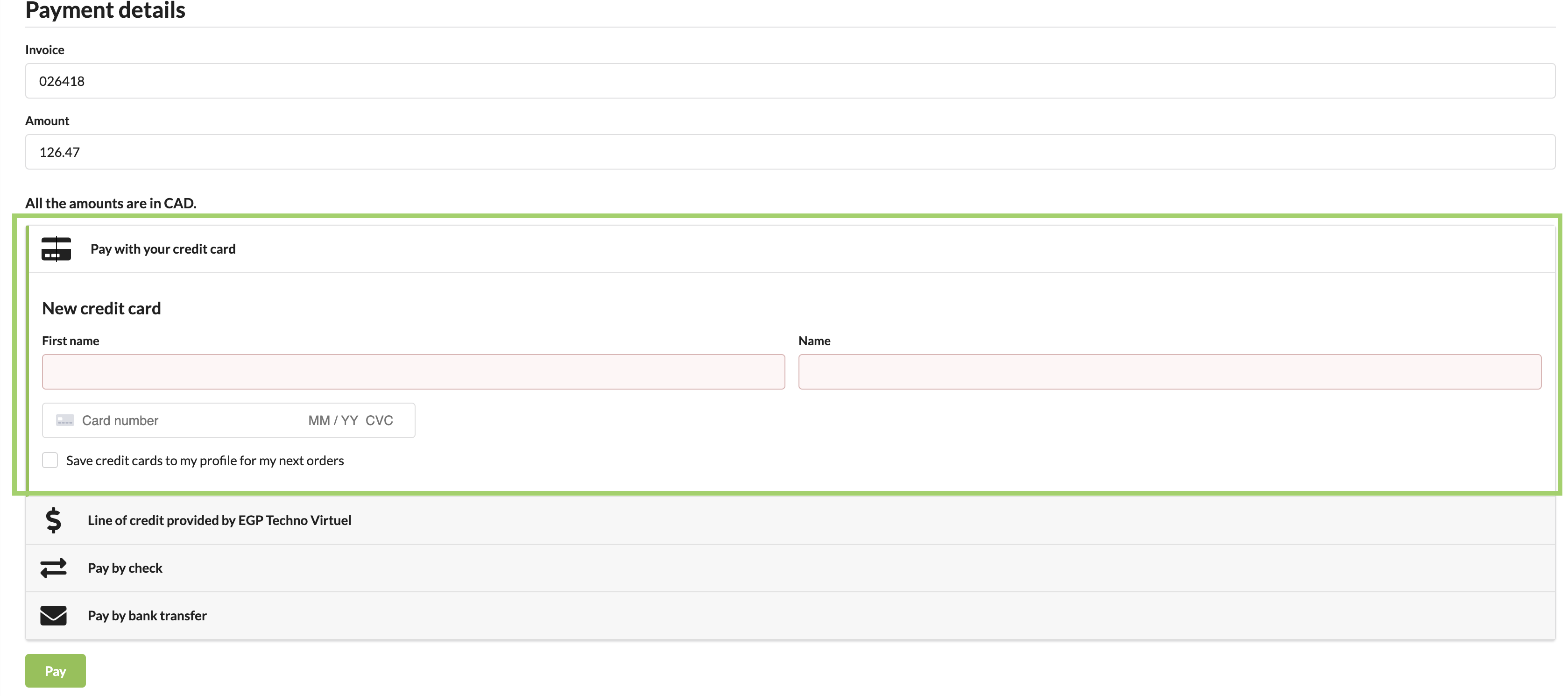

How to make an online payment
Log in via https://www.egpphotographie.com by clicking on "Login" in the top right-hand corner or directly via the https://portail.egpphotographie.com/login
When you log in for the first time, click on "Forgot your password?" and follow the instructions, otherwise go on to the next step.
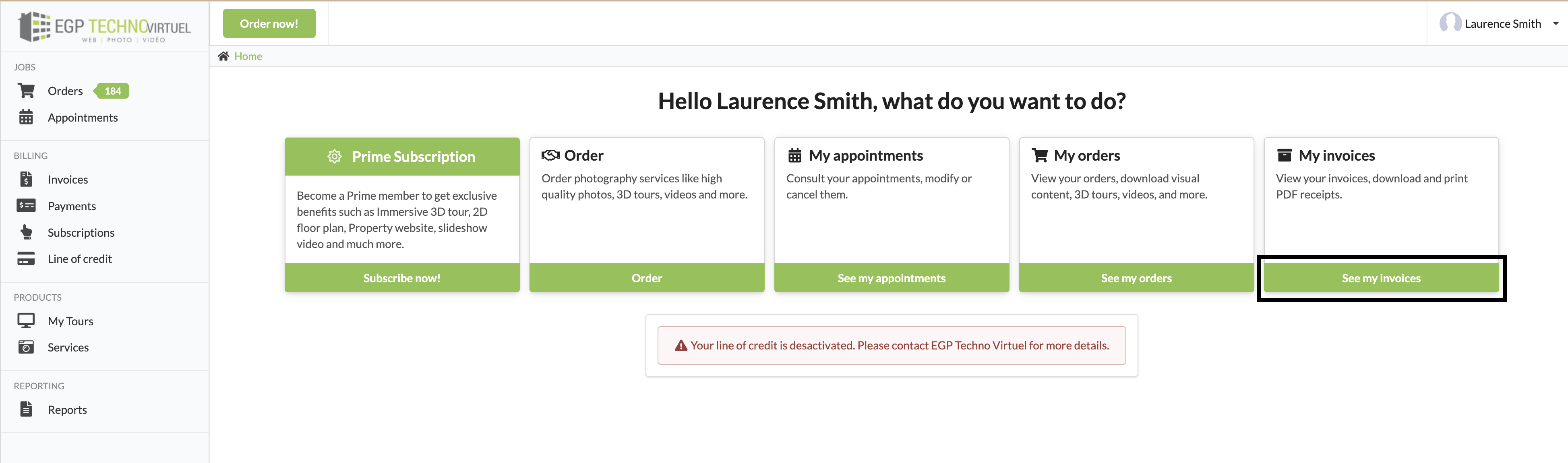
Once logged in, click on "View my invoices".
Then, on the line of the invoice to be paid, click on the three (3) small dots. You will have the following choices: View, Pay and Download.
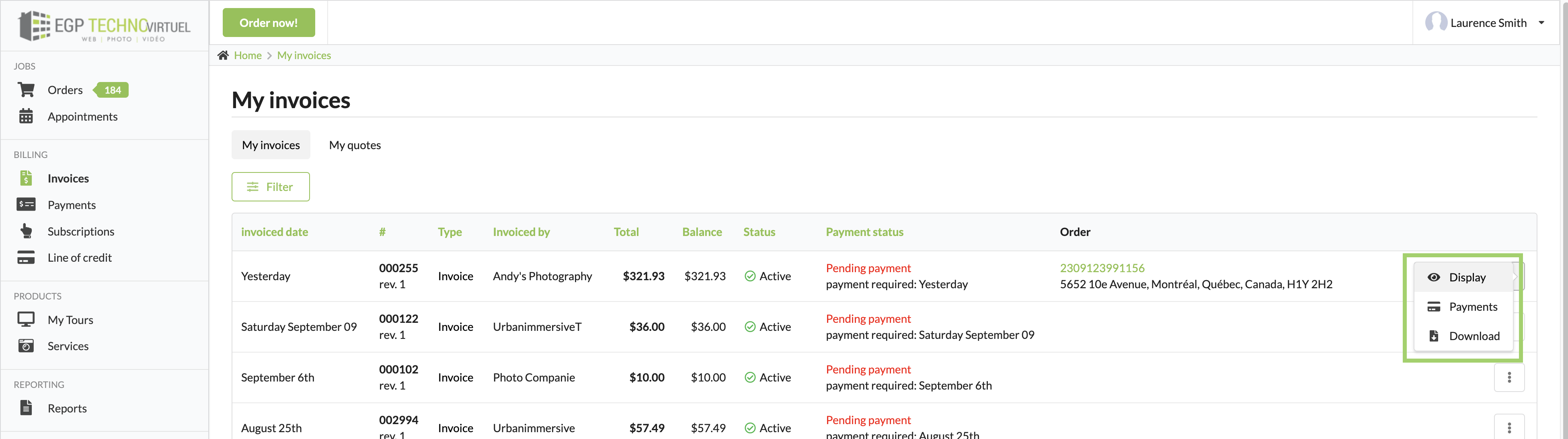
By clicking on "View" or "Payment", you will have the option to make a payment at the top left under "This invoice has a remaining balance of XX,XX$".

Next, choose "Pay with your credit card", if you haven't already done so, enter your credit card details. You have the option of saving your card for future use. Note that this information is confidential and encrypted.